How to bring family photos from several phones together
Parents, grandparents and relatives all have different photos. Learn how to bring them together in one private and collaborative family album.
Why do family photos become scattered?
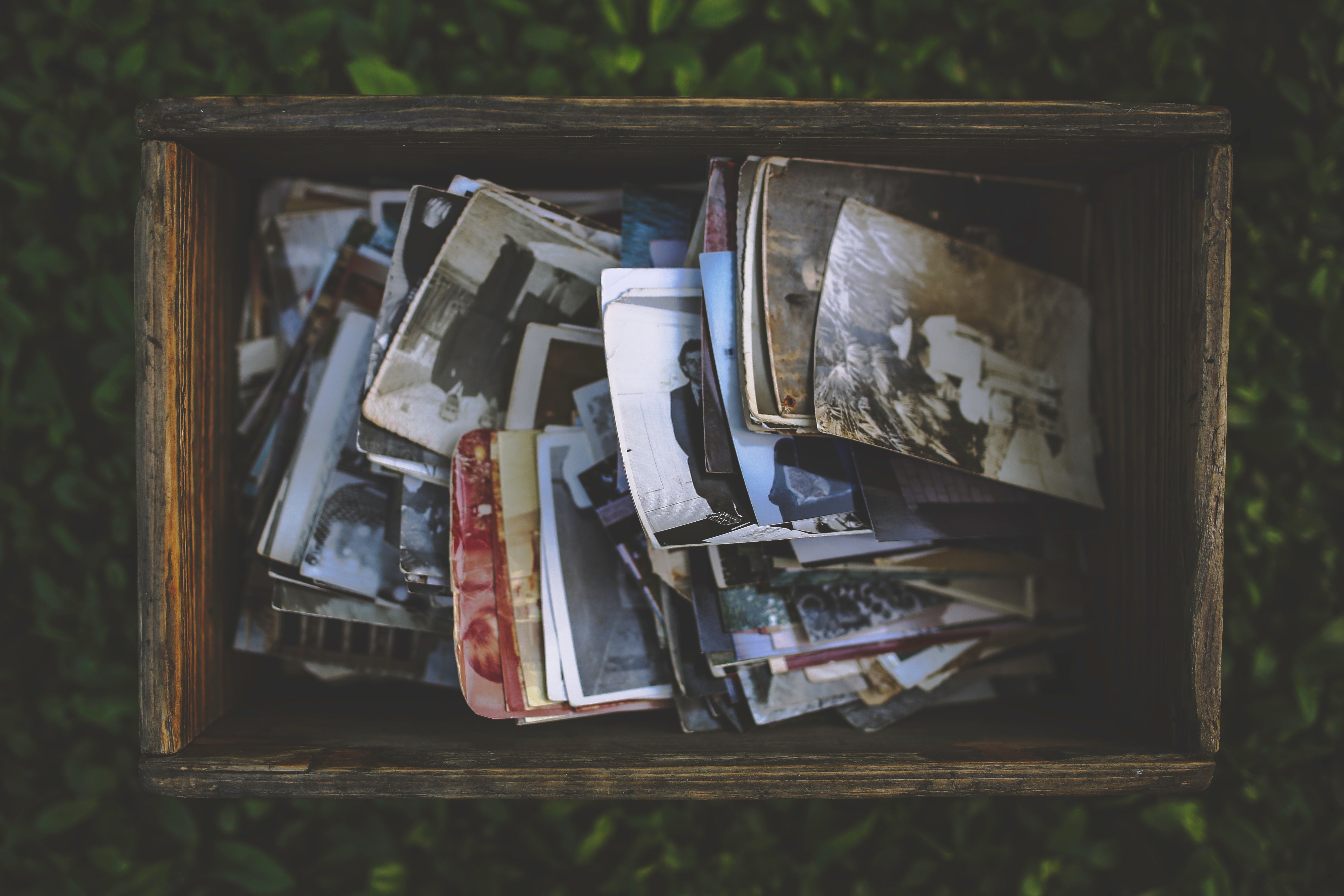
Every family member takes photos on a different phone. Parents capture everyday life, grandparents take pictures during outings and other relatives keep videos from birthdays. After a while, nobody really knows where everything is.
The problem with fragmented albums
Some photos are never shared, others are sent several times and important images become buried inside chats or cloud folders. One birthday can easily be spread across six different phones.
Choose one shared family space
Before moving thousands of files, choose one place that will become the family reference. You do not need to delete all other backups. The goal is to have one shared space for the memories that matter.
Keep the structure simple
A family collection rarely needs dozens of folders. One space for the whole family, one for a child, one for a trip or event is often enough.
Bring older photos together gradually
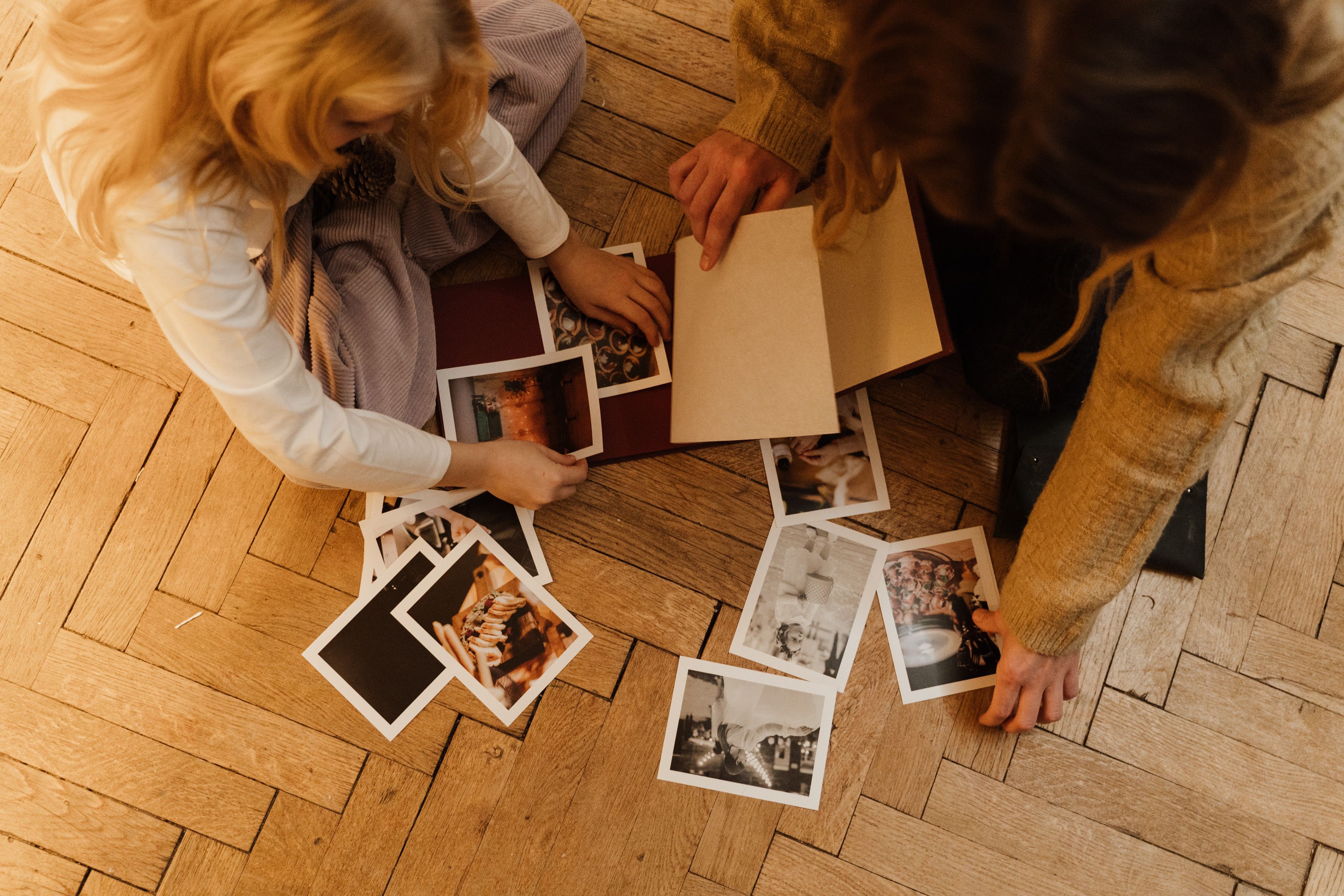
You do not need to import ten years of memories in one weekend. Start with recent events and add older photographs gradually.
Let relatives contribute
Some of the best photographs of a child may have been taken by grandparents, godparents or other relatives. A true family album should make it easy for several people to contribute.
Do not rely only on messaging apps
Messaging apps are useful for quickly sending a picture, but they are designed for conversations rather than long-term family memory.
Include videos as well
Family memories also include voices, laughter, first steps and conversations. A good shared space should bring photographs and videos together.
Use Eppeeri to bring memories from several phones together
Eppeeri is designed around exactly this situation. Instead of keeping memories scattered across individual devices, you can create a private family Stream where invited relatives add photographs and videos.
Parents can share everyday moments, grandparents can add their own pictures and other relatives can contribute. Everything becomes part of the same Stream.
One Stream for the family and another for a child
You can keep one Stream for shared family life and create additional Streams for individual people when useful. A child can have a dedicated Stream from birth while holidays and shared celebrations remain in the main family Stream.
Sharing stays private
Centralising family memories does not mean publishing them publicly. Eppeeri lets you choose who can access each Stream.
Build a family memory, not only storage
A folder stores files. A family Stream builds continuity. Over the years, birthdays, holidays, ordinary days, videos and contributions from different relatives form one connected story.
A simple way to begin
- Create the main family space.
- Invite the relevant relatives.
- Add recent memories.
- Ask grandparents to contribute.
- Add older years gradually.
Frequently asked questions
Do I need to transfer every photo?
No. Start with meaningful memories and the best-quality files.
Can several people add photographs?
Yes. That is one of the benefits of a collaborative family space.
Should personal backups be deleted?
No. Keep your technical backups.
Can memories be separated by child?
Yes. A Stream can represent the whole family or focus on one individual.
Conclusion
Family photographs are often scattered simply because everyone uses a different device. With Eppeeri, invited relatives can contribute privately, turning separate phone galleries into a family memory that grows year after year.